Apple digital codes

Buy App Store & iTunes Gift Cards

Choose the App Store region that matches your Apple Account, compare available values, and receive a digital code by email after checkout.

Choose the correct App Store region

Start with your Apple Account country. Search supported regions, compare real values, then choose the product that matches where the code will be redeemed.

Search by country, country code, calling code, or region. Selecting a country shows detailed product options above the full catalog.

All App Store regions

24 products available
Email delivery Email code after checkout and order checks.
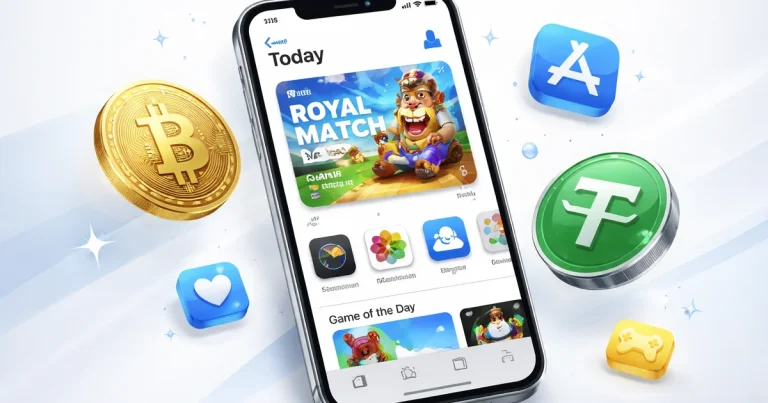
Payment options Visa, Mastercard, PayPal, USDT, and Bitcoin.
Region match Redeem the code on an Apple Account set to the same country or region.
Refund check Check the region before delivery; viewed or redeemed codes may be non-refundable.

Buy App Store & iTunes Gift Cards Online

App Store & iTunes codes are tied to a country or region. A US code belongs on a US Apple Account; a Turkey, Japan, United Kingdom, Brazil, Mexico, China, or other regional code should be redeemed on an Apple Account set to that same region.

Why Buyers Use App Store Gift Cards

Many buyers use App Store credit when their bank card, virtual card, or wallet will not work for iOS purchases. US App Store gift cards are especially useful if you already use a US Apple Account but do not have a compatible US payment card.

That demand often comes from subscriptions and in-app purchases: ChatGPT Plus, Claude Pro, Gemini, productivity apps, games, iCloud, and media purchases. The important part is not where you live; it is the country set on the Apple Account that will redeem the code.

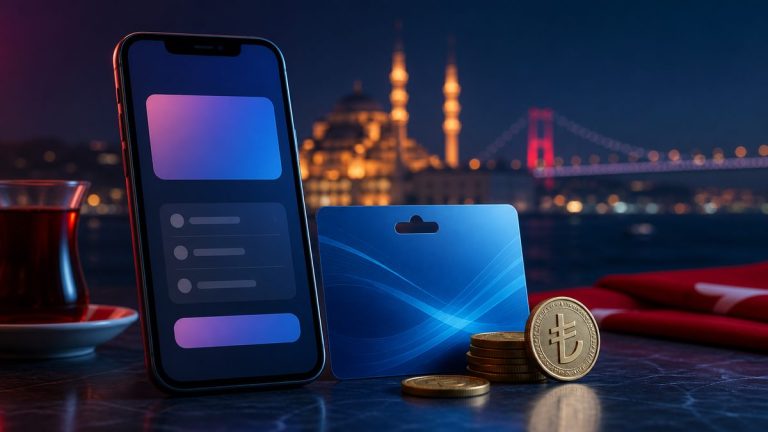
Some buyers also compare regions because subscription prices can vary by country. Turkey and other lower-price regions are often discussed for iOS subscriptions, but the Apple Account region, app rules, and Apple billing checks still matter. Choose a region because it matches the account you use, not only because the price looks lower.

What to Check Before Buying

  • Confirm the country or region on the Apple Account that will redeem the code.
  • Check the values, currency, stock status, and delivery notes on the product card.
  • Do not mix regions. A wrong-region code may fail at redemption.
  • Keep the code private after delivery.

Popular App Store Use Cases

  • US Apple Account balance when you need App Store purchases but do not have a compatible US payment card.
  • AI and productivity app subscriptions bought through iOS in-app purchase, including ChatGPT, Claude, Gemini, and similar apps when Apple Account balance is accepted.
  • Turkey or other regional App Store balance for buyers who already use that Apple Account region and want to compare iOS subscription pricing.
  • Apps, games, in-app purchases, iCloud+, Apple Music, Apple TV, movies, books, and other Apple digital services supported in the selected region.
  • Digital gifting for someone whose Apple Account country matches the card region.

How to Redeem

  1. Open the App Store on your iPhone, iPad, or Mac.
  2. Sign in with the Apple Account that matches the card region.
  3. Choose Redeem Gift Card or Code, then enter the digital code manually.
  4. Check that the balance has been added before starting a purchase or subscription.

Avoid Common Redemption Problems

If Apple says the code must be redeemed in another storefront, the card region does not match the Apple Account region. If a subscription still asks for another payment method, the app or Apple may require an extra billing check. Keep the account region consistent, review Apple billing requirements, and contact BuyCard support with the exact error message if the code itself cannot be redeemed.

How buying works

1 Match the Apple Account region

Choose the country or region currently set on the Apple Account that will redeem the code.

2 Compare values before checkout

Review the available values, currency, stock status, and whether the region fits your app, subscription, game, or gifting need.

3 Pay, then keep the code private

After checkout and order checks, the digital code is sent by email for redemption on the matching Apple Account.

App Store gift card questions

Usually no. Apple gift cards and App Store & iTunes codes must be redeemed in the country or region where they were purchased. Choose the product that matches your Apple Account region.

Choose the country currently set on the Apple Account where you will redeem the code. If your account is set to the United States, choose a US product; if it is set to Turkey, Japan, China, or the United Kingdom, choose that matching region.

In many cases, yes, if the subscription is bought through iOS in-app purchase and Apple Account balance is accepted for that account. The app, Apple, or the subscription type may still require an extra billing check, so use the correct App Store region and keep enough balance for the full charge.

Yes. BuyCard supports checkout methods such as card, wallet, USDT, and Bitcoin for US App Store products. The delivered code still needs to be redeemed on a US Apple Account.

US App Store credit is useful for buyers who already use a US Apple Account and need to pay for apps, games, iCloud, or iOS subscriptions when a compatible US payment card is not available.

Turkey and other regions are often discussed because iOS subscription prices can be lower than the US store. The card still needs to match the Apple Account region, and Apple-side payment checks or service rules can still apply.

BuyCard supports crypto-friendly checkout options such as USDT and Bitcoin, alongside selected card and wallet methods. The Apple code is delivered after payment confirmation and order checks.

You can use Apple Account balance for eligible App Store apps, games, in-app purchases, iCloud+, Apple Music, Apple TV, movies, books, and subscriptions where supported by Apple in that region.

Refund or exchange options may be limited after a digital code is delivered, viewed, or redeemed. Check the account region before buying and contact support quickly if you notice a mistake before delivery.

First confirm that the Apple Account region matches the card region and enter the code manually. If the problem continues, contact BuyCard support with your order number and the exact Apple error message.

Check before you pay

Region check Match the gift card country to your Apple Account country before buying
Common demand US Apple Account balance, AI app subscriptions, regional App Store purchases, and gifting
Value options Fixed denominations or flexible ranges depending on real product availability
Delivery Digital code sent by email after payment confirmation and order checks
Payment Selected card, wallet, and crypto-friendly checkout options such as USDT and Bitcoin
Important risk Wrong-region or delivered codes may not be refundable after the code is issued or redeemed
Ready to choose

Choose the App Store code for your Apple Account region

Choose the country shown on your Apple Account, compare available values, then open the matching product page to finish your order.